Turn your sketches into photoreal fashion mockups
Before you sample
Turn flat or coloured sketches into product shots and on-model visuals. Explore views, colourways and scenes without building a 3D garment.
No credit card required
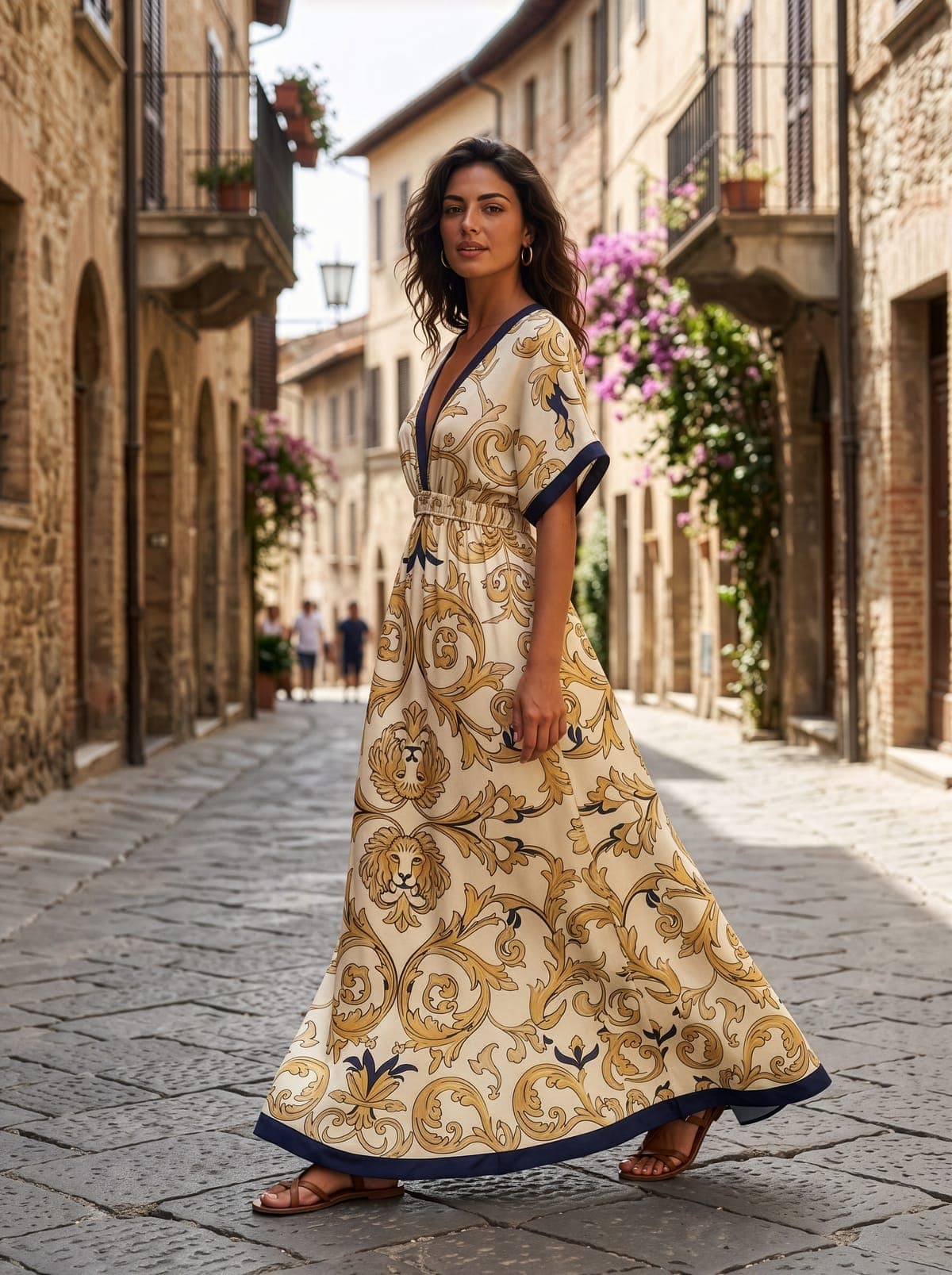
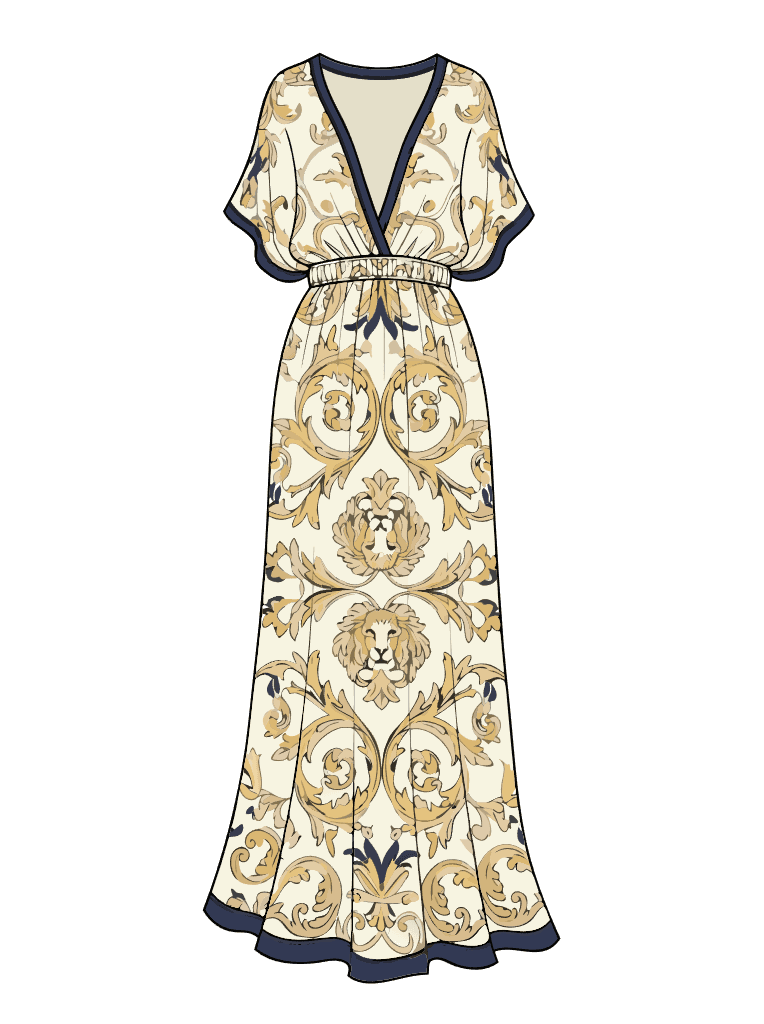
Baroque scroll print. Gold on ivory. Navy trim at neck and hem.
From sketch to photoreal mockup
Upload your sketch
Start with a flat or coloured sketch or CAD. Add any fabric, trim or construction details you want reflected in the mockup.
Choose the visual style
Create a clean product shot, place the garment on a model, or set the scene for your brand. Choose the views, angle and background before generating.
Generate and refine
Review the first mockup, then adjust colours, prints, angles, backgrounds and details while keeping the approved design direction intact.
Export or continue to tech pack
Download product visuals, create short video clips, or carry the same style into a Clothink tech pack with the design context preserved.
Show the garment your way
Product shots, on-model visuals, views and scenes from the same design.
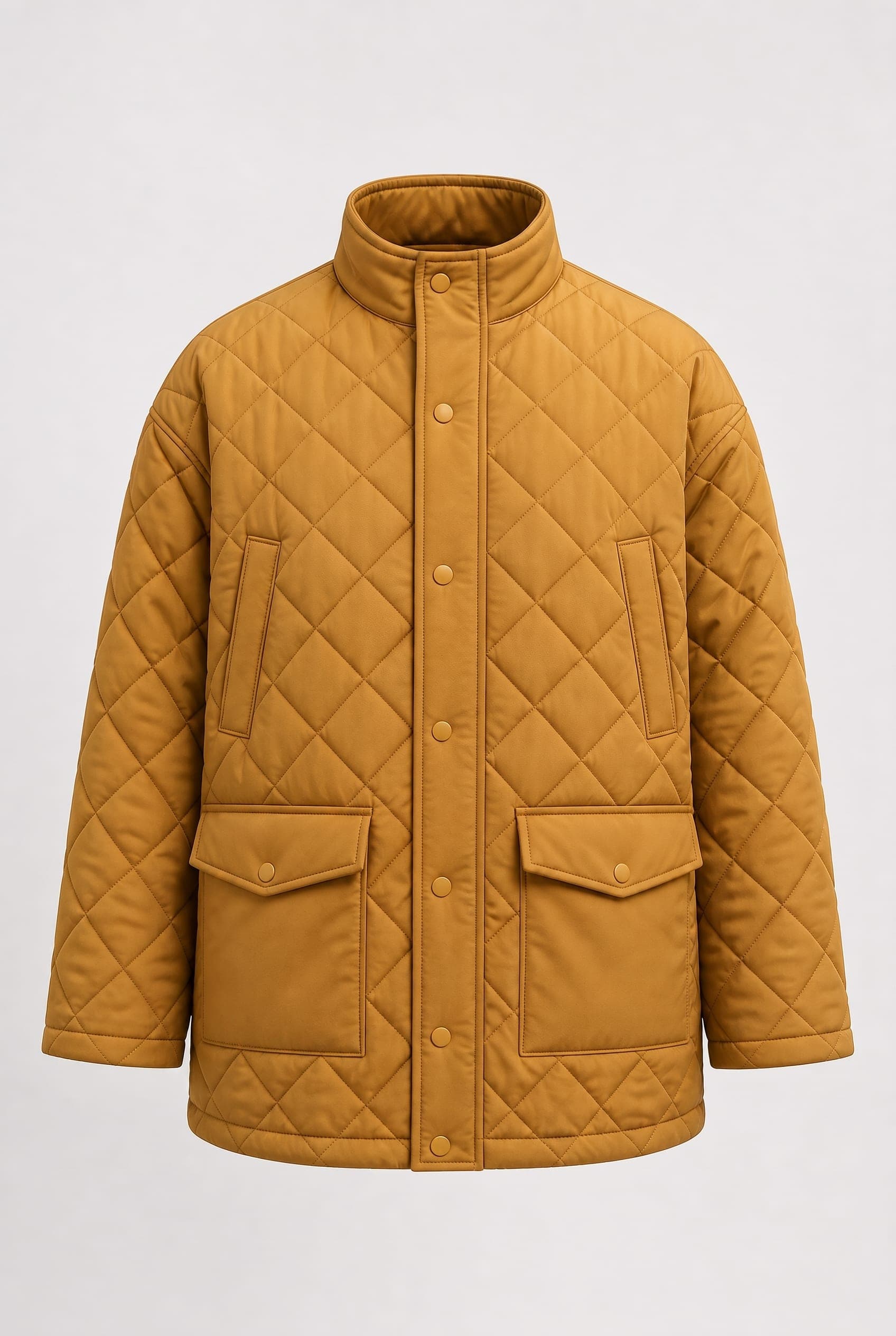
Product Shot
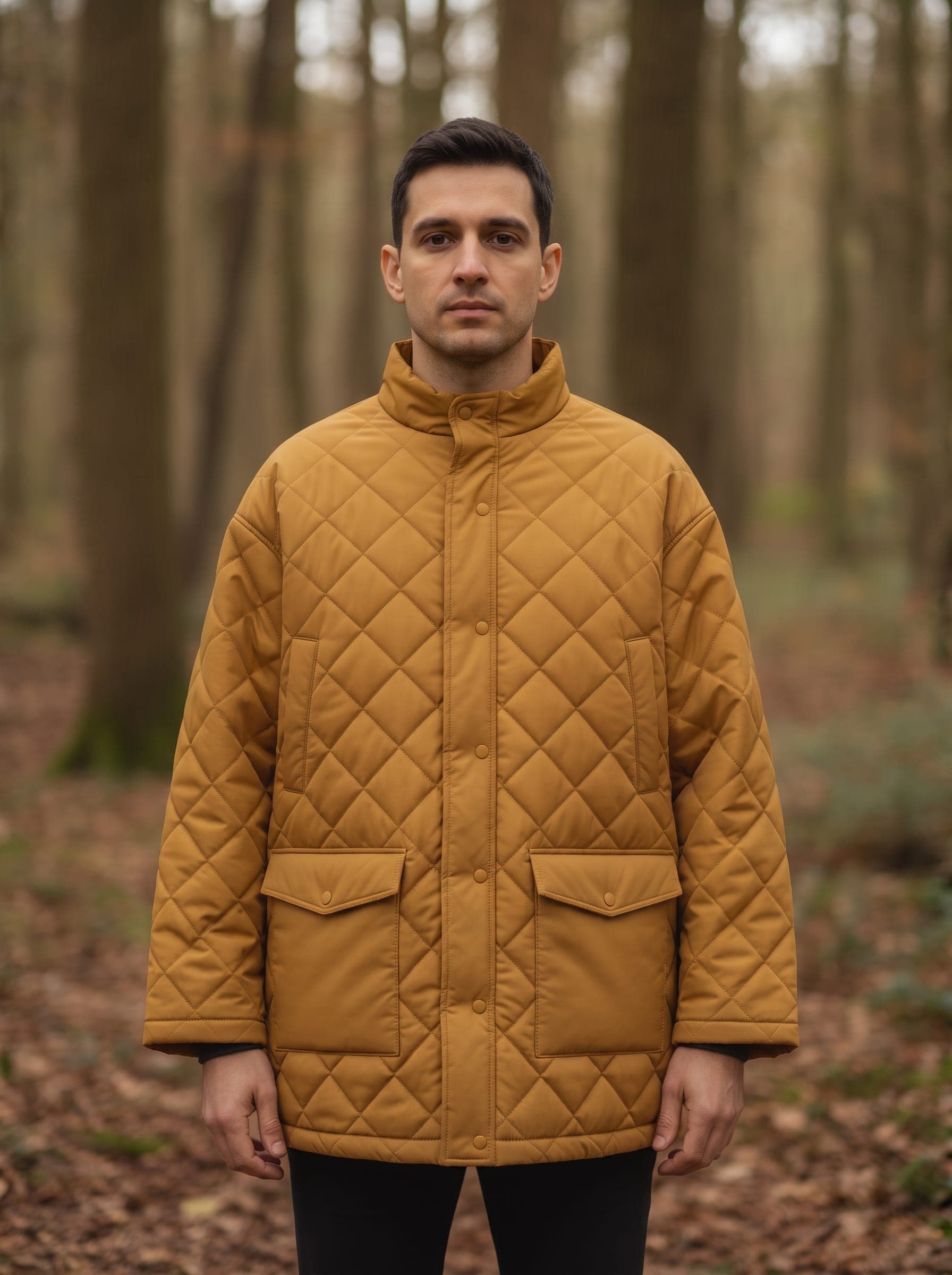
On-model
Product shots
Create clean studio visuals for product development and presentations. Product Shot for clean, consistent studio-style imagery.
On-model
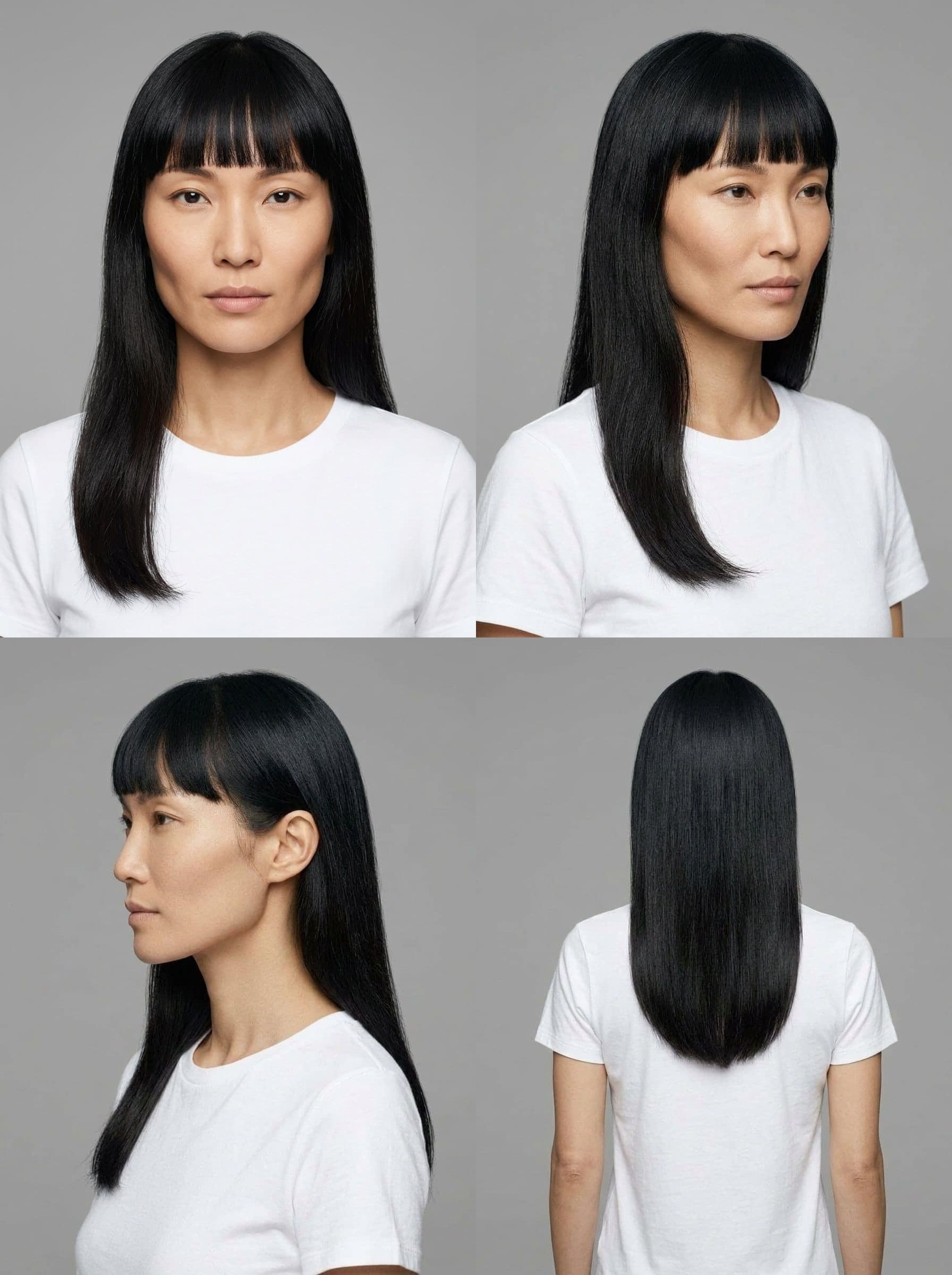
Visualise the garment on different models, poses and settings. Pick a Model and the same face, build and hair carry across every shot. Four starter Models work on any plan; saving your own needs a workflow plan.
Multiple views
Generate front, side, back and additional angles from the same design.
Custom scenes
Use studio presets, upload a background or describe the environment you want.
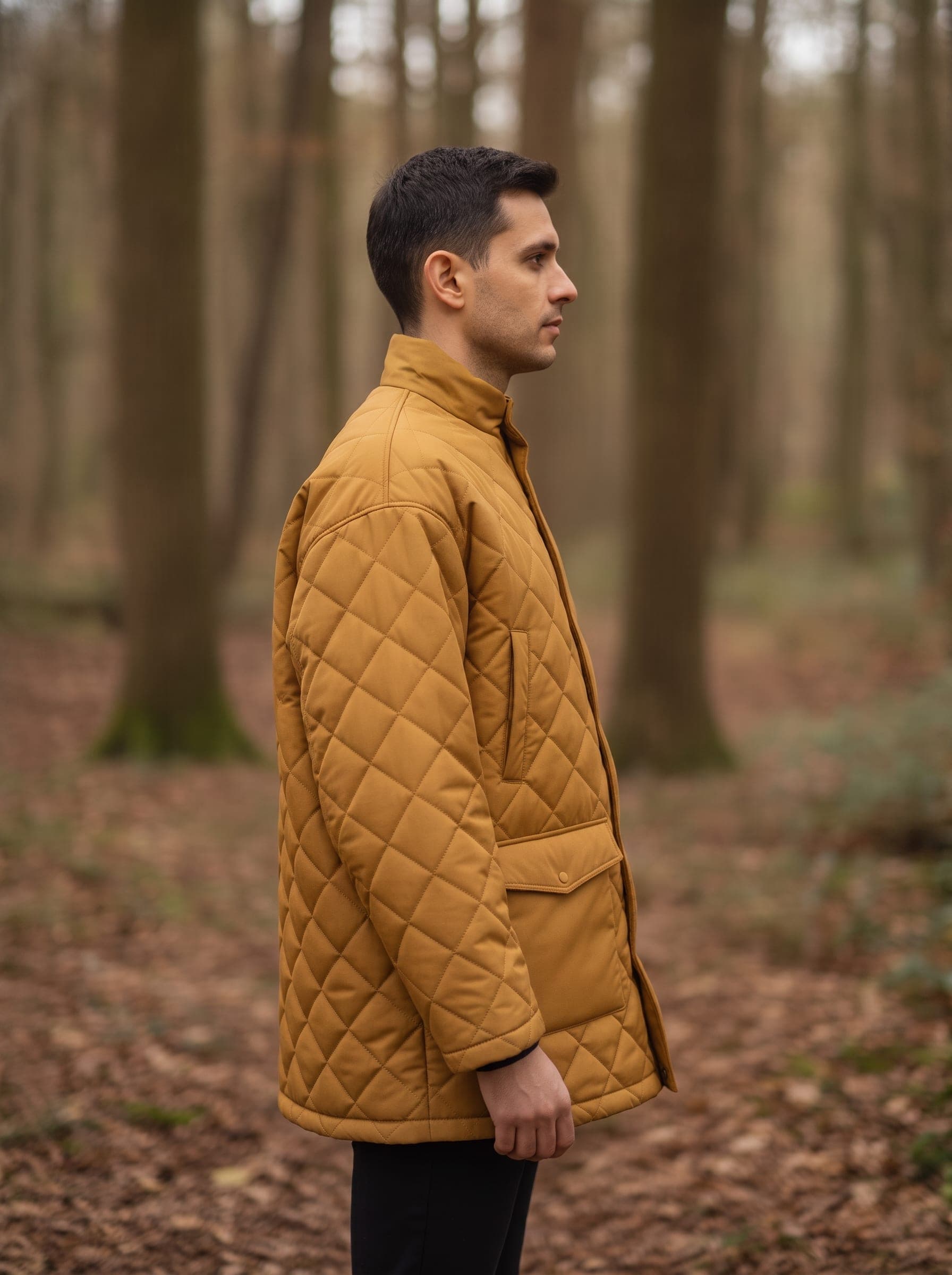
Still → motion
 Still
StillBring an approved visual to life
Turn a mockup you like into a short motion clip for presentations, lookbooks and content — including a 360-style product turn.
Explore the details
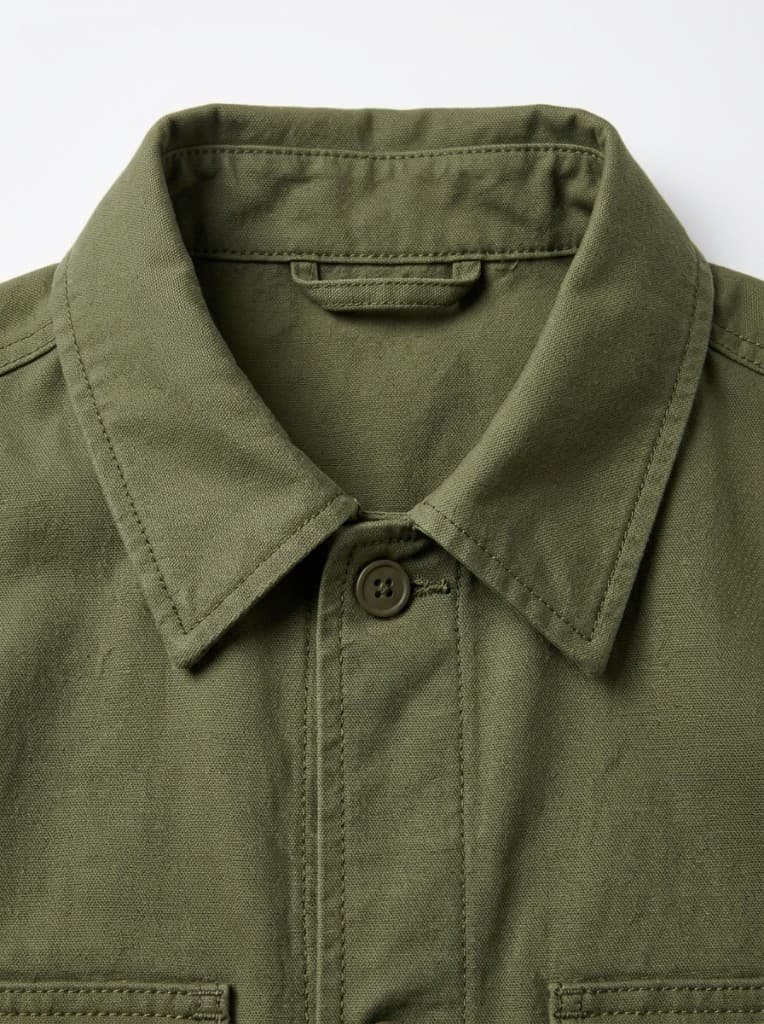
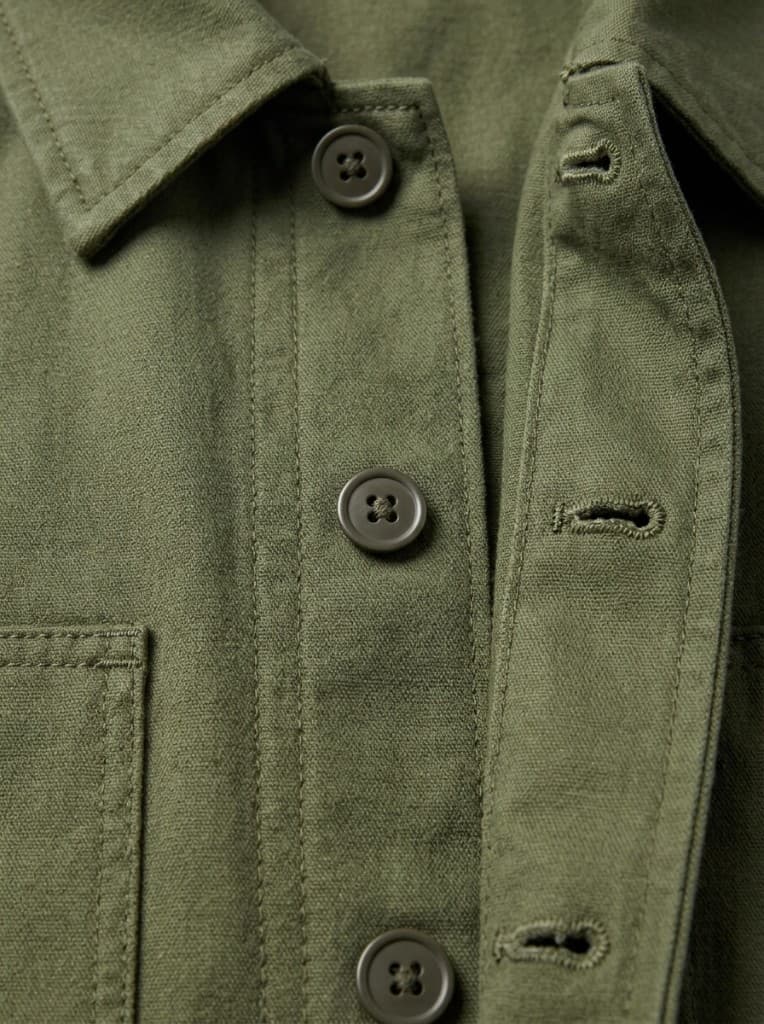
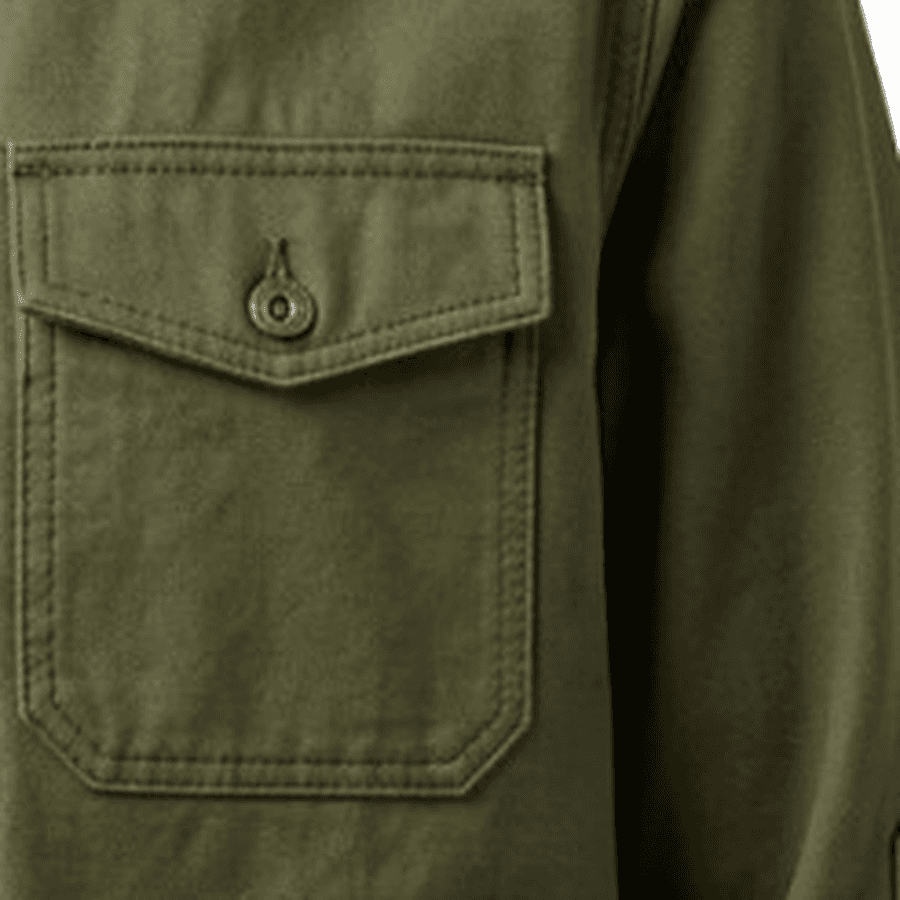
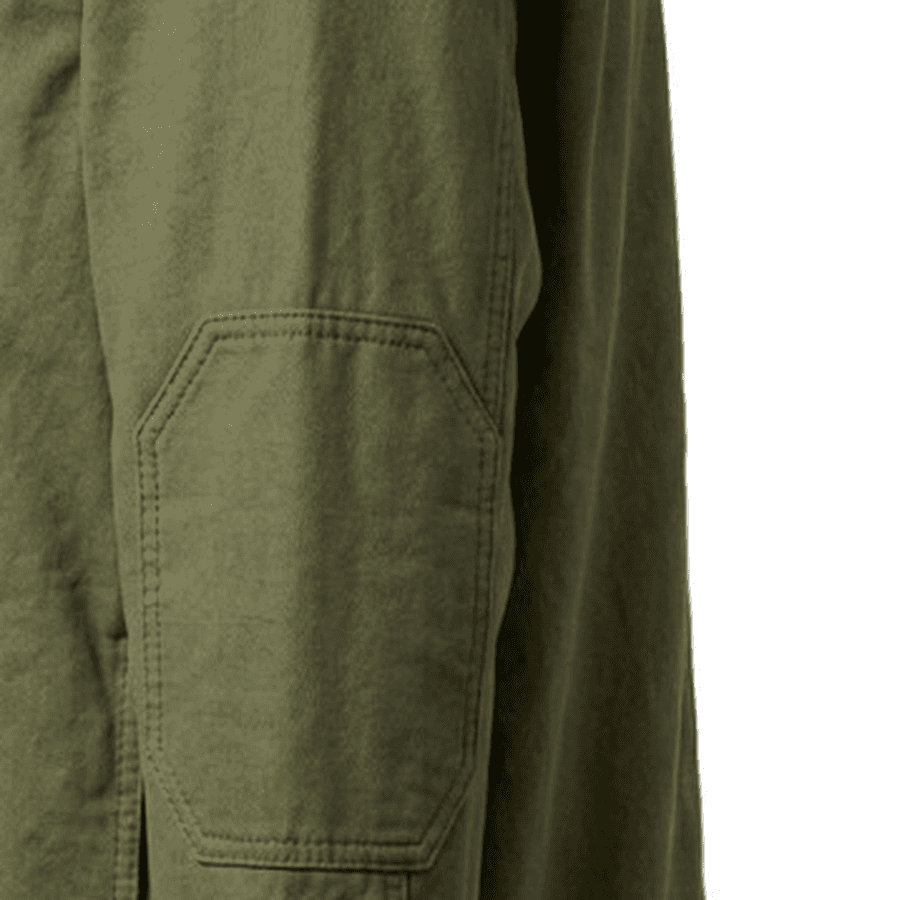
Generate additional close-up views around key garment areas such as collars, closures, pockets and hems. Useful for reviewing the design direction and communicating intent before sampling.
- Garment-specific detail views
- Consistent visual direction
- Add to presentations and development boards
Olive canvas utility shacket
One-click Detailed Views pack
Plum peplum look
Three garments, one photograph
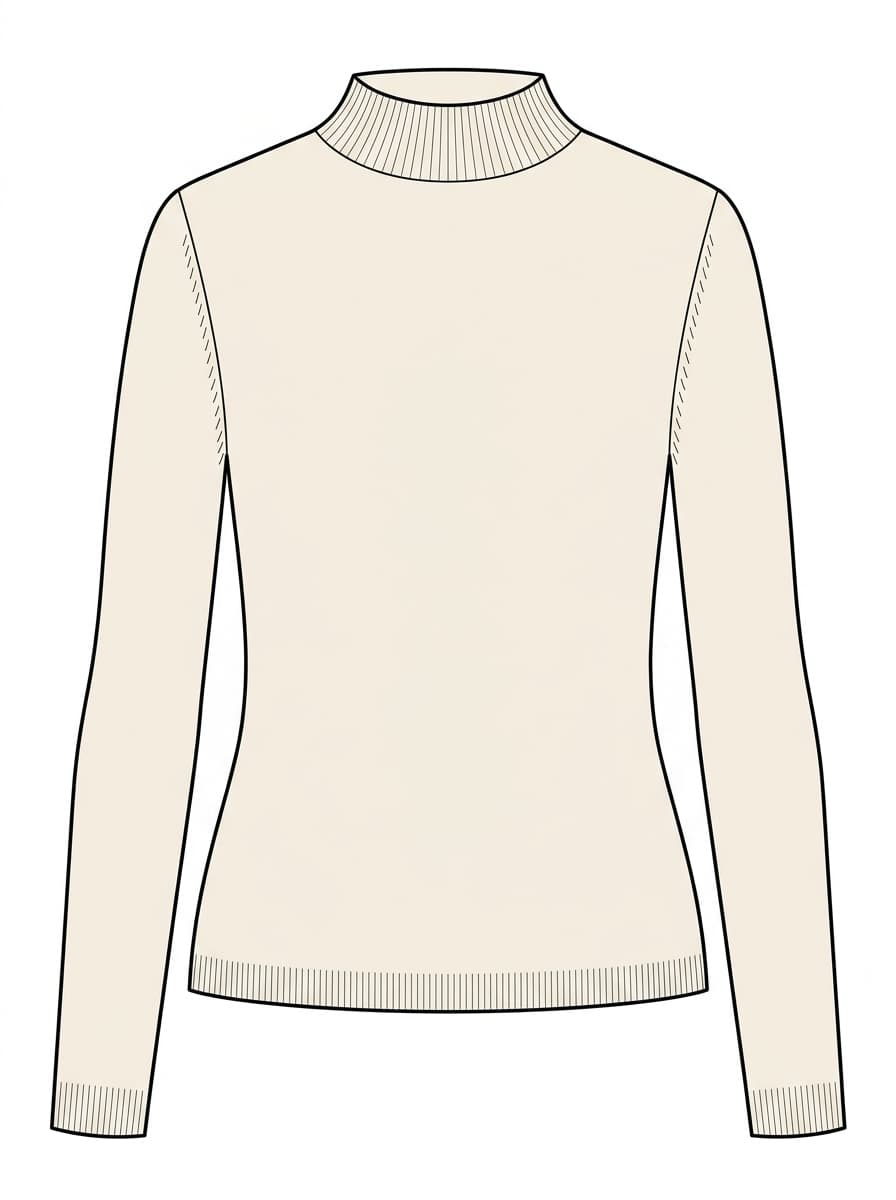
Funnel knit
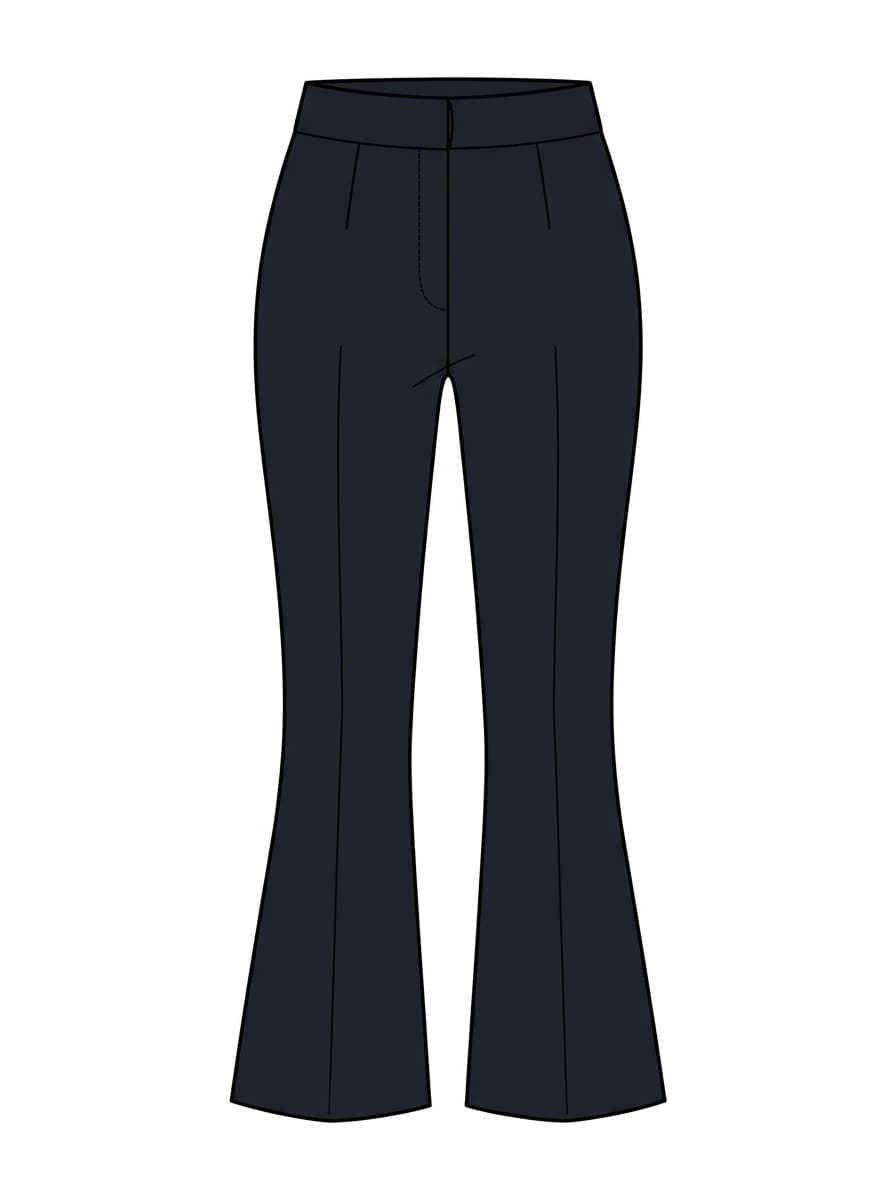
Kick-flare trouser
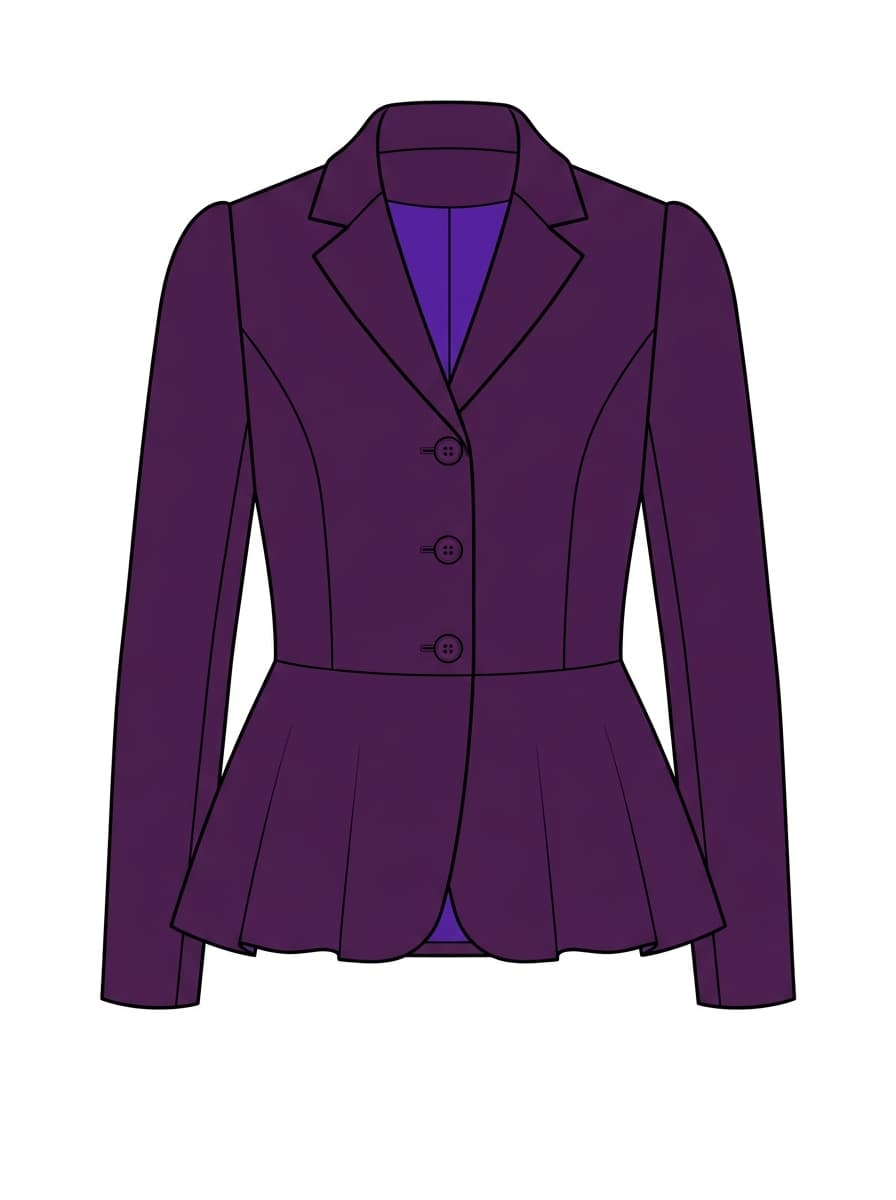
Peplum jacket
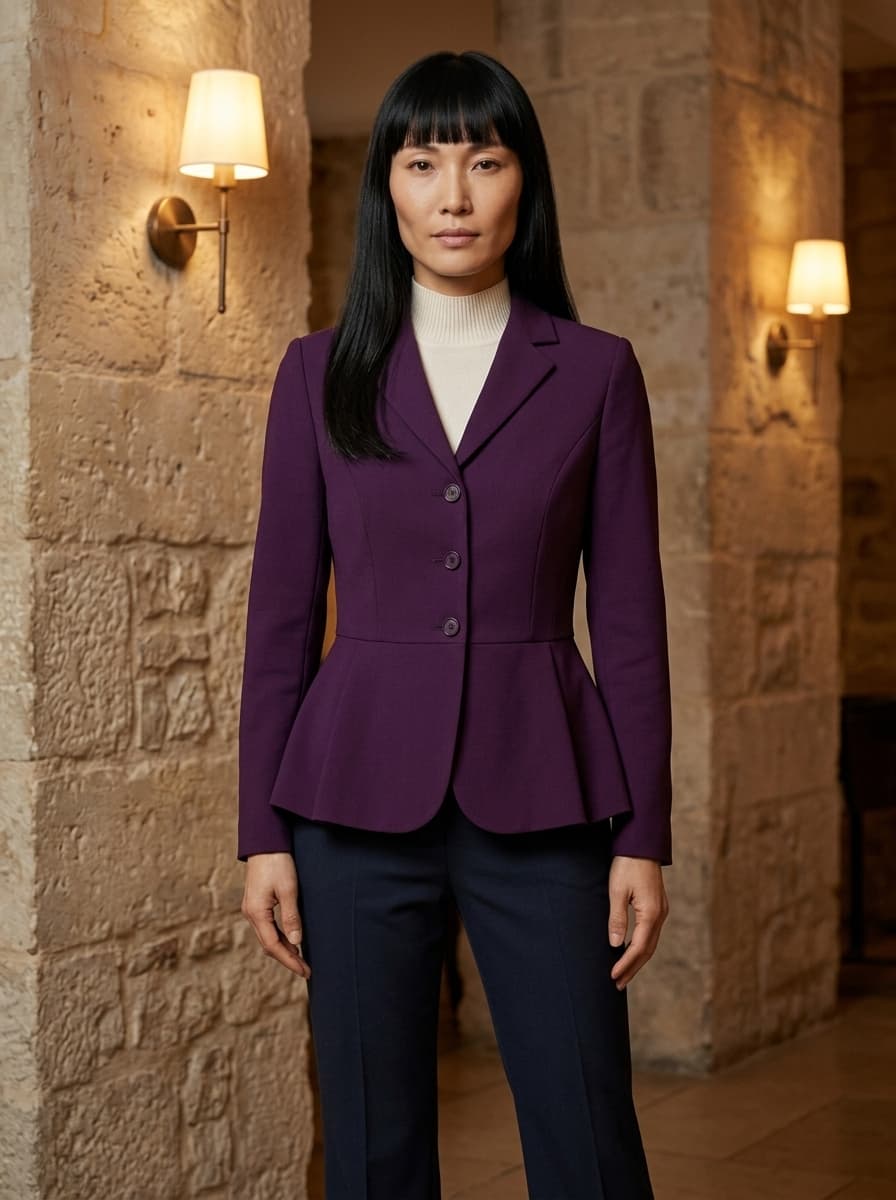
Styled together
Style a full outfit
Put two to five of your garments and accessories on the same model in one photograph. Each piece keeps its own construction, colour and prints, layered the way it would really be worn, so you can show a look rather than a single item. Outfit mockups are part of the full workflow plans.
- Two to five items
- From your sketches or mockups
- Layered on one model
Cast a consistent model
Pick a Model once and every on-model shot renders the same face, hair and build — across views, follow-ups, and mockups generated weeks apart.
- Four starter Models on any plan
- Save your own Model on a workflow plan
- The same casting decision holds across a whole collection
Reusable Models
Same face, every shot
Rib knit midi dress
Same garment across views and scenes
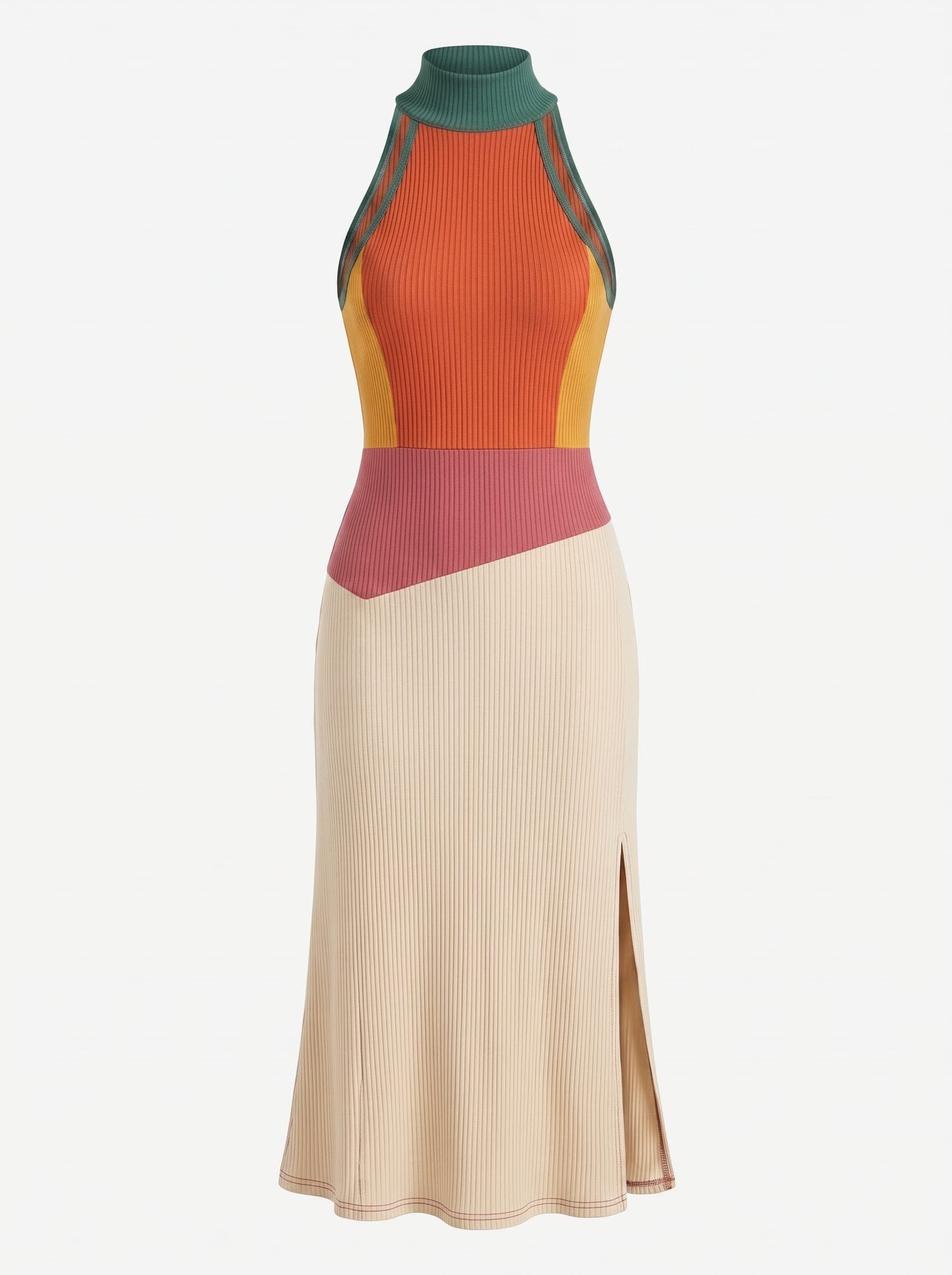
Product shot
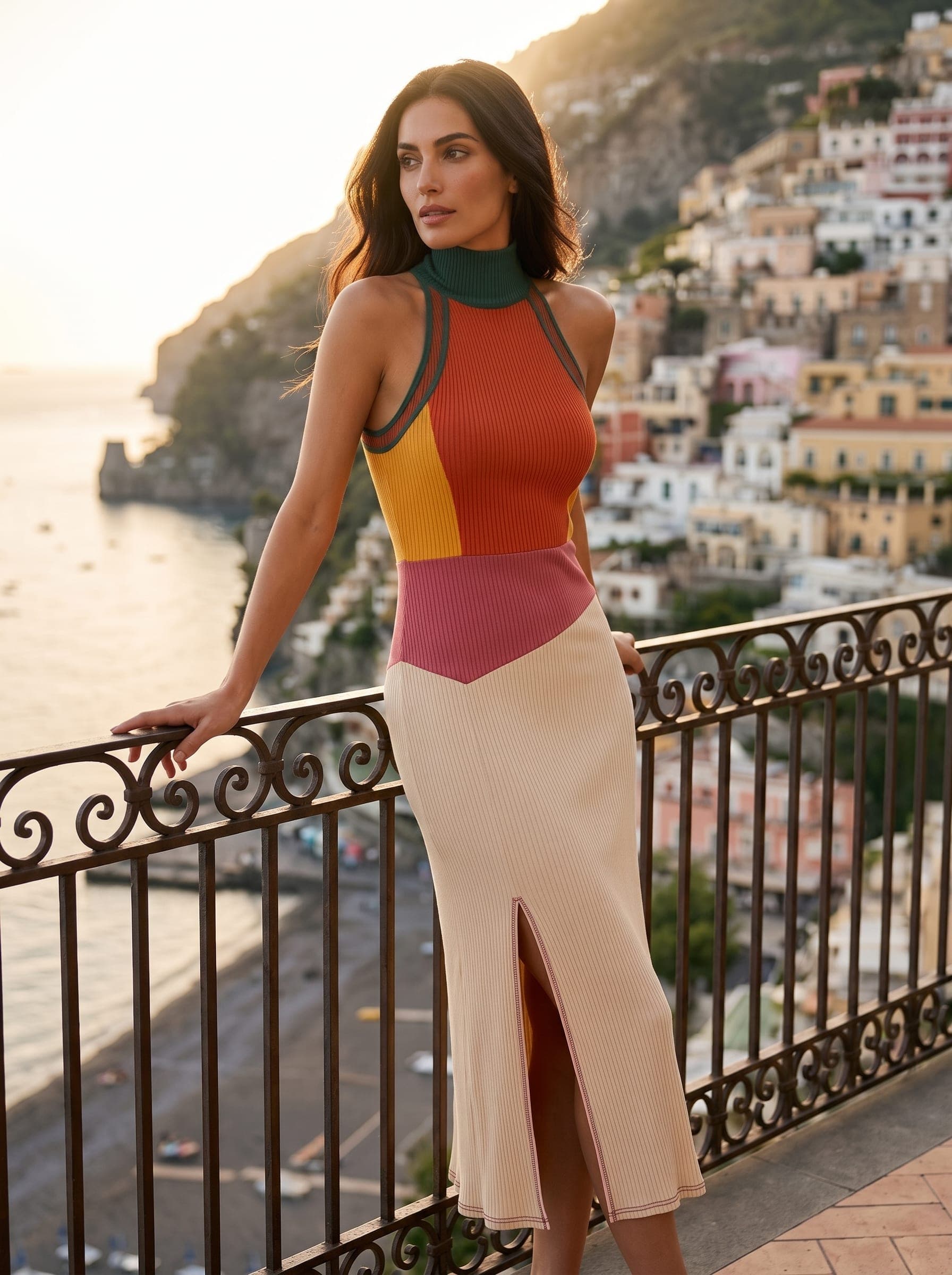
Front
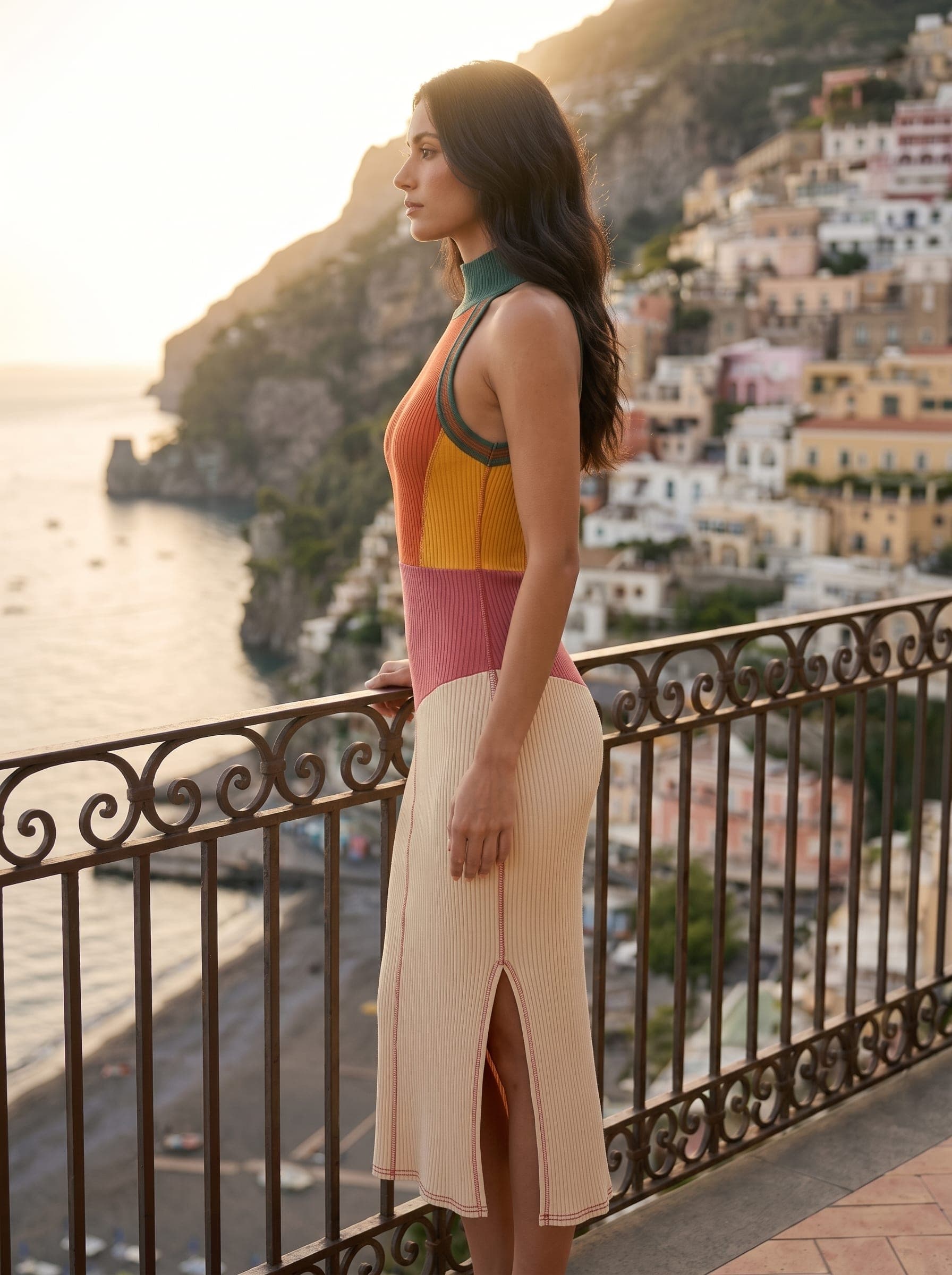
Side
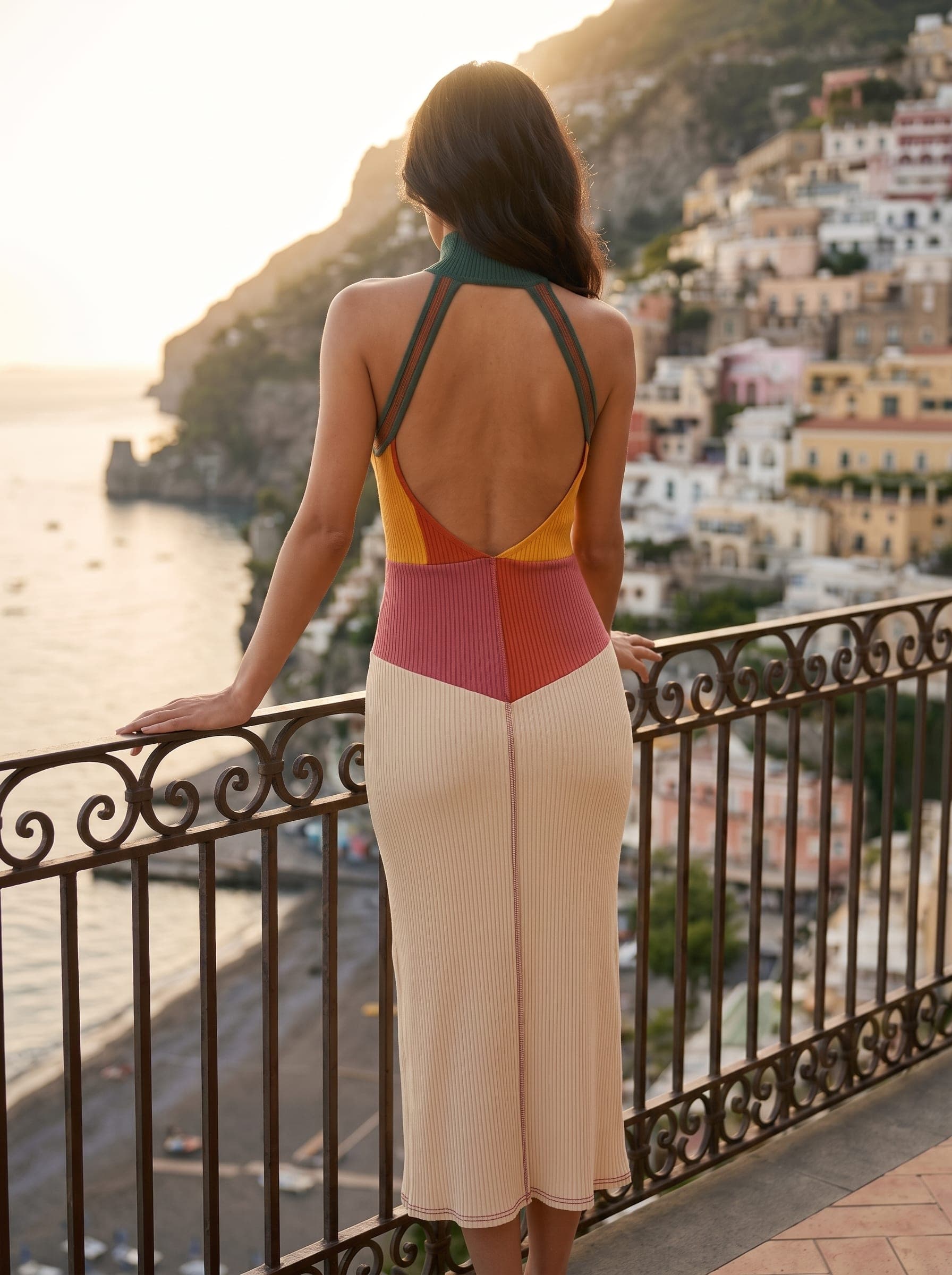
Back
Keep the same product as you explore
Start from one sketch and build out the visual direction without starting again. Generate detail views in one click, then keep exploring views, scenes, colourways and motion around the same garment.
Explore the collection in colour
Bring a palette from the Design workspace into your mockup and explore colourways without rebuilding the design.
Apply artwork without leaving the mockup
Bring seamless prints and placement graphics from Artwork Studio directly onto the garment. Set the position or scale, then generate the visual without manually compositing artwork in Photoshop.
Palette
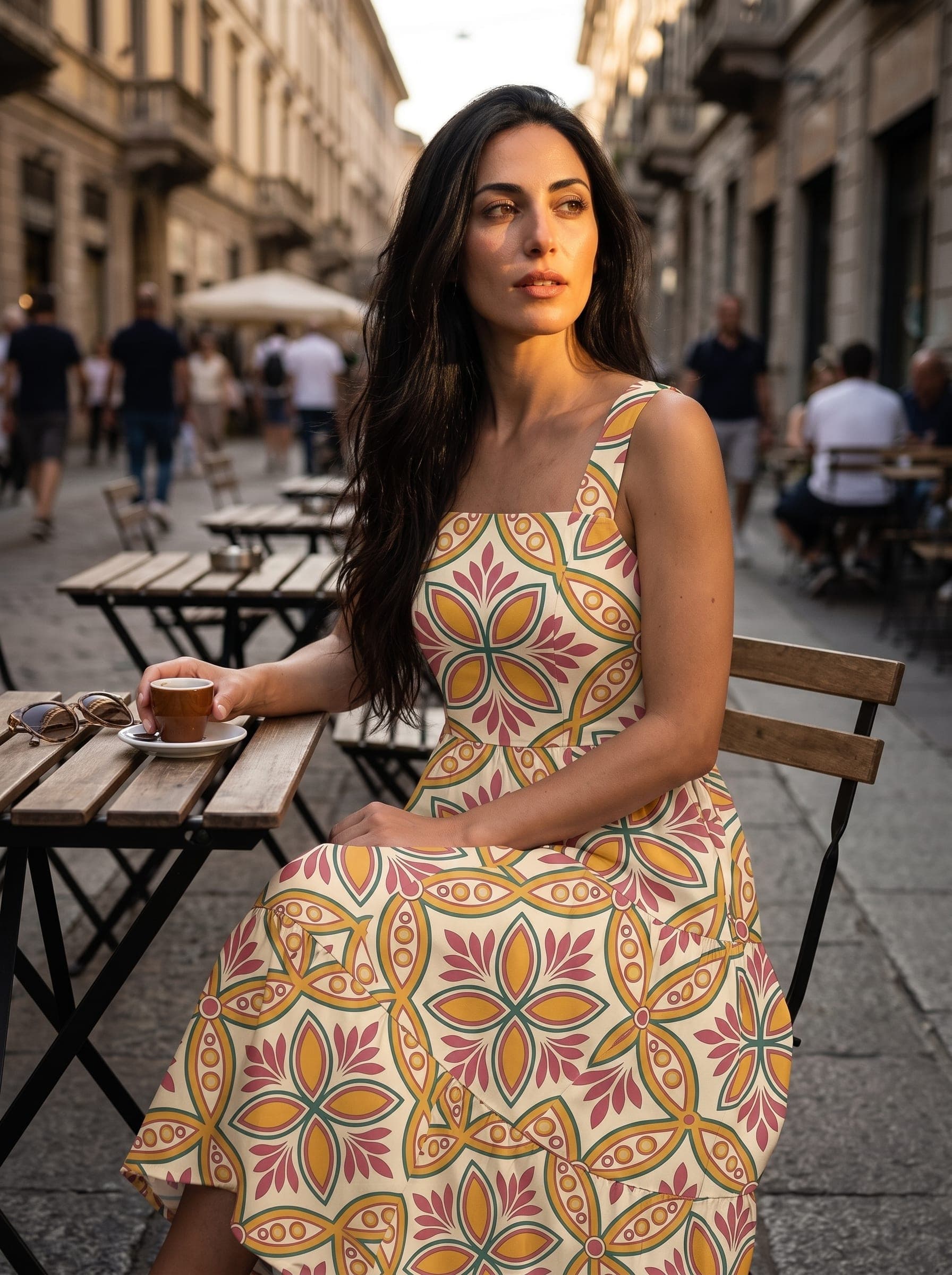
Same garment, explored in the palette colours.
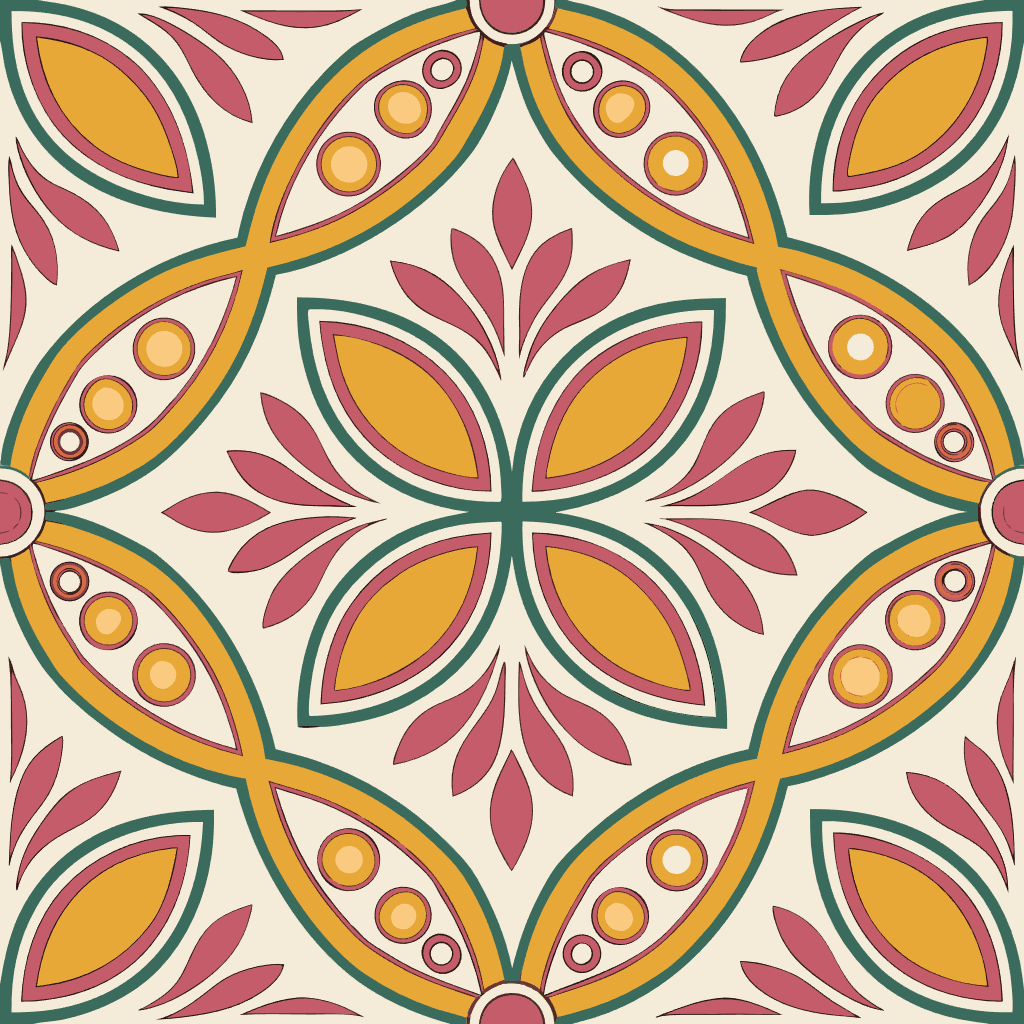
From Artwork Studio
Surface print or placement graphic — no Photoshop compositing.
From concept to development
Design gives you the concept. Mockups let you see it before you sample it. Tech packs let you develop it for production.
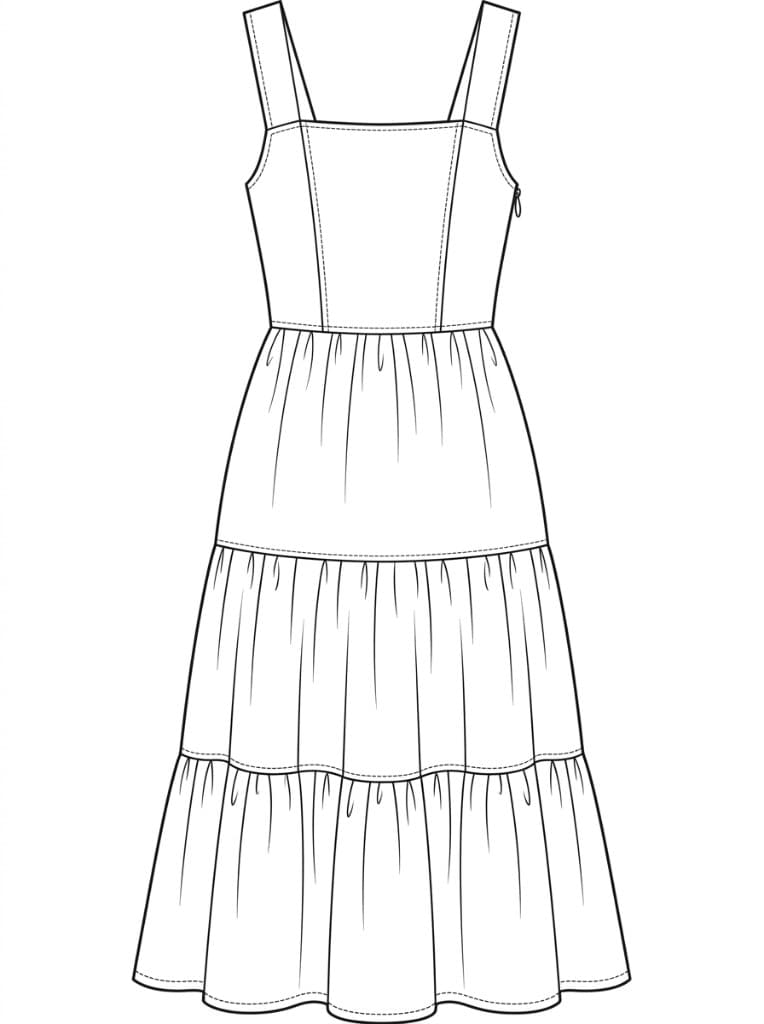
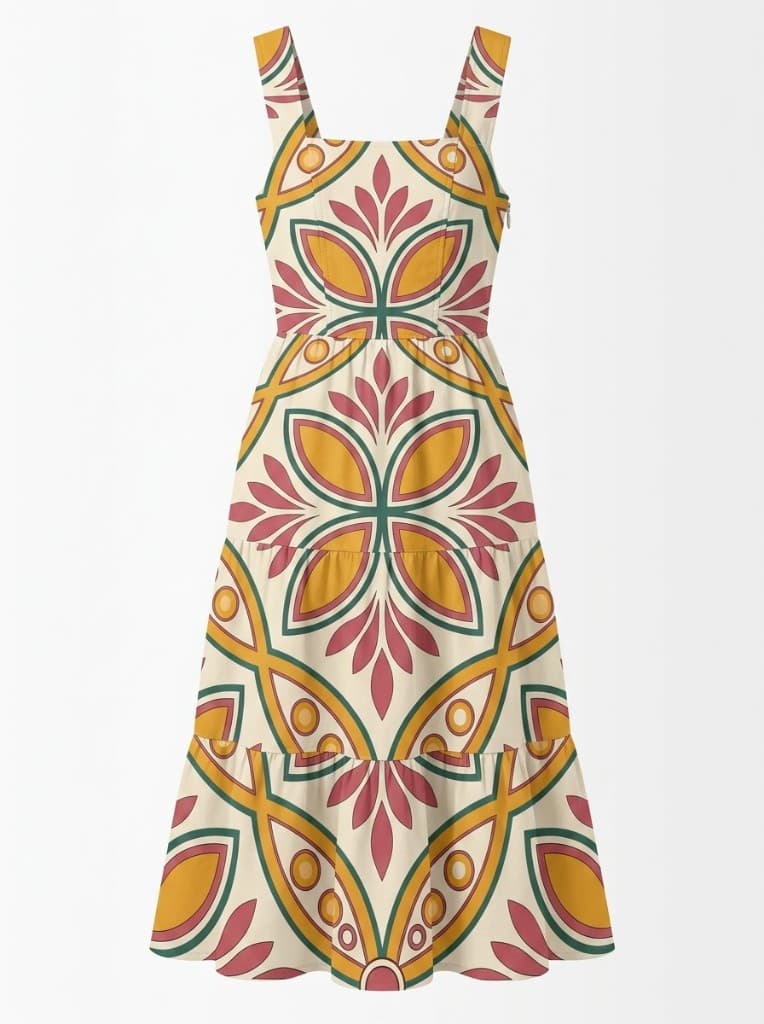

Built for fashion development
Start with the files you already have
Use flats, coloured sketches and artwork rather than building a garment in 3D.
Keep developing the same design
Explore views, models, colourways and scenes without starting from scratch.
Connected to the rest of clothink
Move from Design to Mockups to Tech Packs in one workspace.
See the garment before you sample it
Upload a sketch and turn it into a photoreal product visual in minutes.
No credit card required
Frequently asked questions
How do I turn a CAD into a photoreal fashion mockup?
Upload your flat or coloured sketch (also called a CAD) or pattern artwork to clothink, add a short garment description, choose Product Shot or on-model plus angle and background, then click Generate. The AI converts your artwork into a photoreal mockup — no 3D modelling or Photoshop skills required.
What angles are available for clothing mockups?
clothink offers front, side and back views in one generate, or a free-prompt custom scene for a single shot. Add New Views later and regenerate any tile without re-uploading artwork.
Can I use the same model across different mockups?
Yes. Pick a Model in the mockup composer and every shot uses the same face, build and hair across front, side and back views. Four starter models are available on any plan; saving your own, either from photographs or from a description, is part of the workflow plans.
Can I put several garments on one model?
Yes. Outfit mode styles two to five of your garments into a single photoreal mockup, each piece keeping its own construction, colour and prints, layered the way it would really be worn. Pick the pieces from your sketches, your existing mockups or an upload. Single-garment mockups are available on any plan; outfits are part of the full workflow plans.
What are Detailed Views in clothink?
Detailed Views is a one-click pack of close-ups — closures, fabric, pockets, hems and other construction details matched to the garment type. Use it from a Product Shot or on-model mockup; on-model keeps the same person. Views append to your gallery for factory and buyer review before a physical sample.
Can I apply prints or placement graphics to mockups?
Yes. Attach a seamless surface print from Artwork Studio, or a placement graphic with size and position. clothink renders the finish on the garment — no manual compositing.
Can I generate mockups without sampling a garment?
Yes — that is the core purpose. clothink generates photoreal mockups from flat or coloured sketch artwork before any sample is produced, so you can validate colours, patterns, construction details and styling earlier and reduce costly sampling rounds.
Does clothink support Product Shot or model mockups?
Both. Product Shot gives a clean studio image (also called ghost mannequin). Model mockups support demographics, pose and action, plus custom model descriptions in plain language. Short video clips — including product 360° turn — can be generated from approved stills.
How many tokens does a mockup cost?
A standard mockup still costs 1 token; high detail (2K) costs 2. Extra views cost the same per still. Video from a mockup costs 7, 10 or 13 tokens by length (4, 6 or 8 seconds); High quality is double.